Turn It Off And On
Turn it Off and On is your friendly corner of the internet where tech becomes a little less intimidating and a lot more useful. Whether you're trying to choose your next bit of hardware, make sense of the latest software update, or figure out why your online service has suddenly decided to behave like a moody teenager, this site is here to help. It’s built on years of hands‑on tinkering, testing, breaking, fixing, and occasionally muttering at screens until they behave. All that experience gets distilled into practical buying advice, clear explanations, and step‑by‑step guides designed for real people living real lives — not mythical creatures who read instruction manuals for fun.
The whole thing began as a hobby, born from a long‑standing fascination with technology and the ever‑expanding world of the internet. Over time, that hobby grew into a place to share what actually works, what definitely doesn’t, and what to do when your shiny new gadget decides to throw a tantrum. From the joys of unboxing something new to the baffling error messages that appear at the worst possible moment, everything here comes from genuine experience. If it’s confusing, I’ve probably wrestled with it. If it’s brilliant, I’ve probably recommended it. And if it’s terrible, well… I’ve probably turned it off and on again.
Although technology is the heart of the site, it’s not the whole story. Life isn’t all apps and cables, after all. That’s why you’ll also find a growing collection of do‑it‑yourself guides, household tips, and practical tricks for making everyday tasks a little easier. Think of it as a toolbox that covers both the digital and the physical — whether you’re fixing a Wi‑Fi issue or fixing a wobbly shelf.
Everything is organised so you can find what you need without feeling like you’re navigating a maze designed by someone who hates you. Categories and subcategories keep things tidy, and each section is packed with clear, approachable advice. If you’re after help with photo editing, the “digital images” area offers straightforward guidance on improving your pictures, organising them, or sharing them online without accidentally sending your entire camera roll to your boss. If software and online services are more your thing, you’ll find hundreds of pages covering everything from browser basics to PC maintenance to staying safe while exploring the wider web.
The aim is simple: to make technology — and the occasional bit of DIY — feel less overwhelming and more empowering. Whether you’re a curious beginner, a seasoned tinkerer, or someone who just wants their device to stop doing that thing, there’s something here for you.
And yes, the age‑old wisdom still stands: turning your device off and then back on again really does fix an alarming number of problems. It’s not magic, but it’s close enough.
Featured Posts

How to Get the Most from YouTube: Tips, Features and Tricks
Learn how to improve your YouTube experience with useful tips, browser extensions, smart TV features, playlists, casting…
Proton VPN Free for Fire Stick: Streaming and Regional Access Guide
Discover how Proton VPN Free works on Fire Stick, including streaming access, Pluto TV, Tubi, regional content and key l…

Web Hosting and Domain Names: A Complete Modern Guide
A clear, in‑depth guide to web hosting and domain names, covering modern hosting options, security, domains, servers, an…
Best Sites to Stream and Download Music Online: Updated Guide
Discover the best music streaming and download sites, including Spotify, Apple Music, Tidal, YouTube Music and more.

Plan Your Trip with Google Maps: Complete Guide for Mobile and Windows
A clear, detailed guide to using Google Maps for planning journeys, exploring locations, saving offline maps and navigat…

Choosing the Best Web Browser: A Complete Guide for Every Device
A clear, updated guide to choosing the best web browser for Windows, Mac, Linux, Android and more, including privacy opt…
How to Stay Safe from Viruses and Malware on All Your Devices
A practical guide to avoiding viruses and malware on Windows, macOS, and mobile devices, with modern antivirus recommend…

15 Brilliant Free Photo Apps to Transform Your Pictures
Discover 15 of the best free photo apps for editing, organising and enhancing your photos, from powerful desktop tools t…
Free Essential Software Every Windows 11 PC Should Have
Discover the must‑have free software for Windows 11, with modern alternatives, smart tips and a clear guide to building …

Mastering Every Key on Your Keyboard: A Complete, Clear Guide
Learn what every key on your keyboard does, how to type hidden characters, and how modern tools help customise your layo…

10 Essential Questions to Ask Before Buying a New Computer
A clear, updated and easy-to-read guide covering the 10 key questions you must ask before buying a new computer, helping…
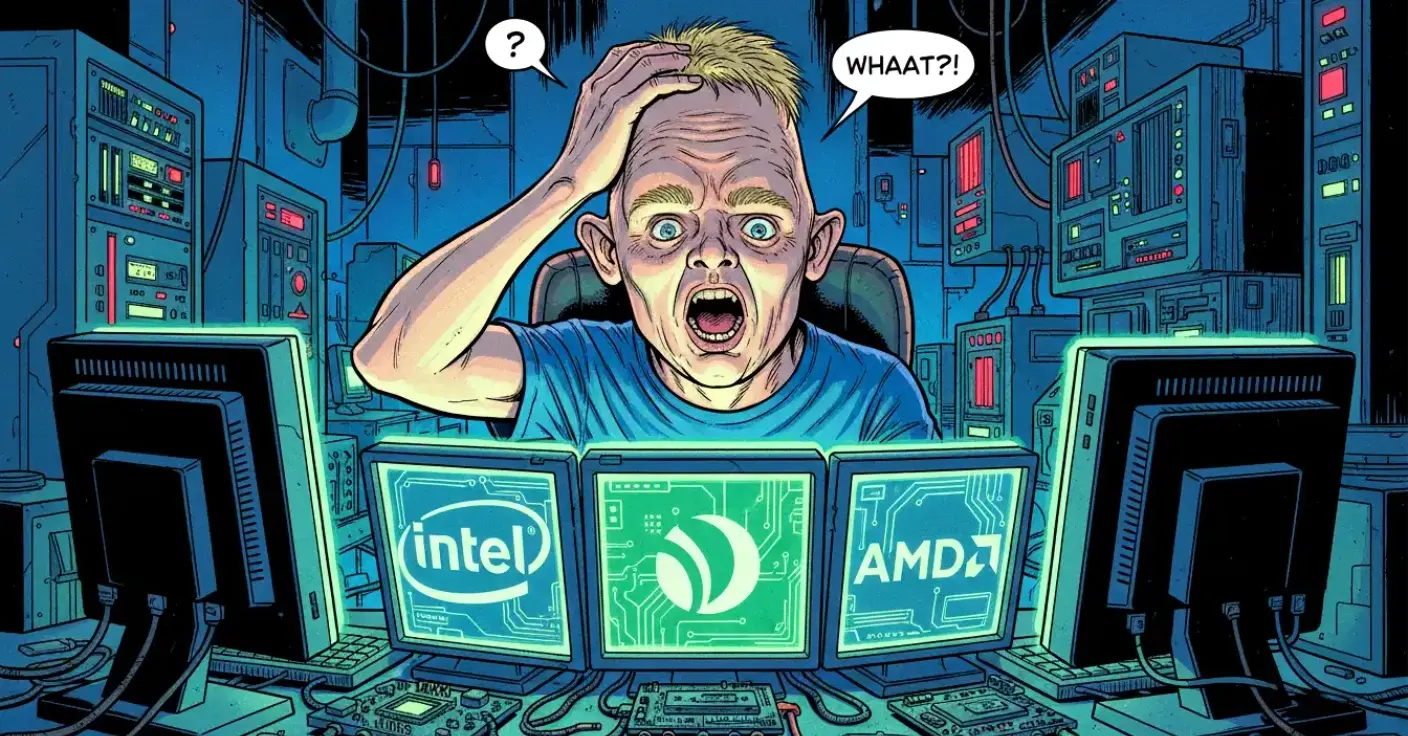
Understanding Modern Computer Processors: Intel, AMD and Snapdragon Explained
A clear, easy guide to modern computer processors, including Intel, AMD and Snapdragon, with practical advice for choosi…
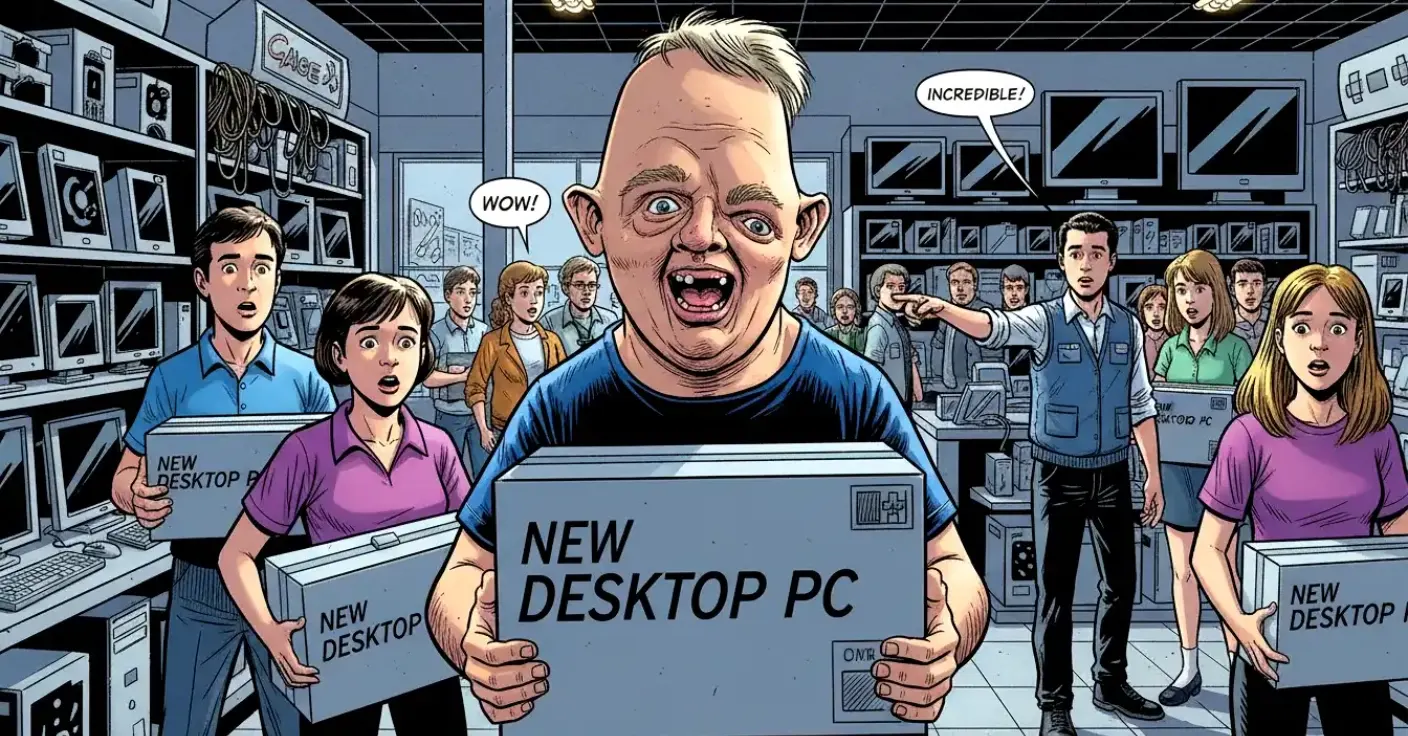
Why Desktop PCs Still Beat Laptops: 10 Big Reasons
Discover why desktop computers still offer unbeatable power, value and comfort, with 10 clear reasons to choose one over…

How to Avoid Buying Fake SD Cards on eBay
A detailed guide to spotting counterfeit SD cards on eBay, understanding the risks, and protecting yourself from rogue s…