How to Stay Safe from Viruses and Malware on All Your Devices
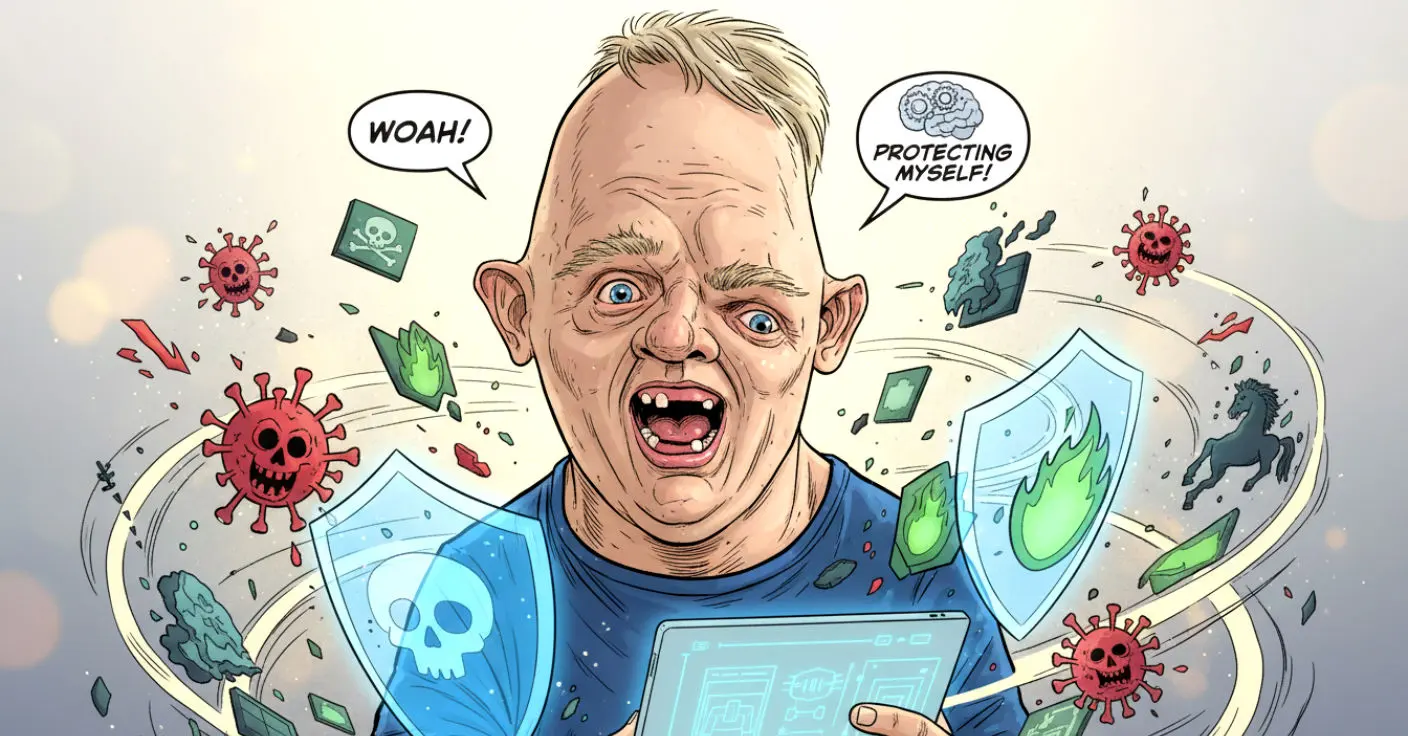
It would be lovely to live in a world where everyone behaved honourably, nobody tried to steal your money, and the worst thing you had to worry about online was accidentally liking your ex’s holiday photo from 2014. Sadly, the internet is not that world. It’s a bustling digital city full of brilliant people, useful tools, and endless entertainment — but also a fair share of chancers, scammers, and malicious software quietly waiting for someone to make a mistake.
Most of us know how to avoid scams in everyday life. We don’t hand our bank card to strangers, we don’t open the door to someone selling “magic beans”, and we certainly don’t respond to emails from long‑lost relatives promising a fortune. Online, however, things are more complicated. Malicious websites, infected downloads, fake apps, and cleverly disguised phishing messages are everywhere. That’s why protecting your devices — not just your PC, but your phone, tablet, and even your smart home gadgets — is essential.
This guide walks you through how modern antivirus works, how to choose the right one, how to avoid infections in the first place, and what to do if the worst happens. It’s written for real people, not security engineers, and it aims to give you practical advice you can actually use.
Why Antivirus Still Matters
There’s a persistent myth that antivirus software is no longer necessary. You may have heard people say that modern operating systems are secure enough on their own, or that antivirus can’t keep up with new threats. There’s a grain of truth in this — operating systems are more secure than they used to be, and malware evolves constantly — but antivirus remains a crucial part of your defence.
Security experts often point out that antivirus doesn’t catch everything. Some estimates suggest traditional signature‑based detection only identifies a portion of new threats. But modern antivirus tools don’t rely solely on signatures. They use behavioural analysis, cloud‑based scanning, machine learning, sandboxing, and real‑time protection to spot suspicious activity even when the malware is brand new.
Security experts often point out that antivirus doesn’t catch everything. Some estimates suggest traditional signature‑based detection only identifies a portion of new threats. But modern antivirus tools don’t rely solely on signatures. They use behavioural analysis, cloud‑based scanning, machine learning, sandboxing, and real‑time protection to spot suspicious activity even when the malware is brand new.
In short: antivirus isn’t perfect, but it’s still essential. Think of it like locking your front door. A determined burglar might still find a way in, but you certainly wouldn’t leave the door wide open.
Choosing the Right Antivirus
There are countless antivirus products available, ranging from free tools to comprehensive paid security suites. The good news is that free antivirus has improved dramatically over the years. The bad news is that not all free tools are equal, and some have disappeared entirely.
There are countless antivirus products available, ranging from free tools to comprehensive paid security suites. The good news is that free antivirus has improved dramatically over the years. The bad news is that not all free tools are equal, and some have disappeared entirely.
Here are reliable, currently available free antivirus options:
- Microsoft Defender Antivirus (Windows) — built into Windows, extremely capable, and updated constantly.
- Avast Free Antivirus — strong protection, good behavioural detection, and a lightweight footprint.
- AVG Free Antivirus — similar to Avast (they share technology), simple and effective.
- Bitdefender Free Antivirus — excellent detection rates and minimal fuss.
- Avira Free Security — long‑standing, reliable, and regularly updated.
- Panda Dome Free — cloud‑based scanning with a friendly interface.
- Kaspersky Free — strong protection with excellent lab test results.
If you want more than basic protection, paid suites offer extras such as:
- Firewalls
- Anti‑phishing protection
- Ransomware shields
- Parental controls
- VPNs
- Identity monitoring
- Secure browsing tools
For macOS, built‑in protections are strong, but malware does exist. Good options include:
For mobile devices:
- Android benefits from antivirus apps such as Bitdefender Mobile Security, Avast Mobile Security, and Google Play Protect.
- iOS doesn’t allow traditional antivirus, but security apps can help with phishing protection, breach alerts, and safe browsing.
How Antivirus Is Tested
Independent labs such as AV‑TEST, AV‑Comparatives, and SE Labs regularly test antivirus products. They evaluate:
- Detection rates
- False positives
- Performance impact
- Real‑world protection
- Malware removal effectiveness
Bitdefender, Kaspersky, Avira, and Microsoft Defender consistently perform well in modern tests. However, no single product is perfect. Some are better at detecting new threats, others excel at cleaning infected systems, and some are designed to be lightweight rather than feature‑rich.
Avoiding Viruses: The Practical Stuff
Avoiding malware is easier than removing it. A few simple habits can dramatically reduce your risk.
Keep your operating system updated
Whether you use Windows, macOS, Android, or iOS, updates patch security holes that criminals love to exploit. Turn on automatic updates and let your device handle the rest.
Update your apps
Browsers, PDF readers, office suites, media players — all of them can contain vulnerabilities. Modern apps update automatically, but it’s worth checking occasionally.
Be cautious with downloads
Only download software from:
- The official website
- Trusted app stores
- Well‑known publishers
Avoid “free cracked versions”, “modded apps”, and anything from torrent sites. They’re often bundled with malware.
Be careful with email attachments
If you weren’t expecting the file, don’t open it. Even if it appears to come from someone you know, double‑check first.
Use strong, unique passwords
A password manager makes this easy. Malware often tries to steal login details, so strong passwords reduce the damage.
Enable two‑factor authentication
Even if your password is stolen, 2FA can stop attackers from logging in.
Avoid suspicious websites
Sites offering pirated movies, adult content, or “free streaming” are notorious for malware. If it looks dodgy, it probably is.
Don’t click random pop‑ups
Messages claiming your PC is infected, slow, or full of errors are almost always scams.
Online Virus Scanners
If your antivirus stops working or you want a second opinion, online scanners are useful. Modern, reliable options include:
- F‑Secure Online Scanner
- ESET Online Scanner
- Trend Micro HouseCall
- Panda Cloud Cleaner
- Bitdefender Home Scanner
These tools scan your system without needing full installation. They’re handy for quick checks or when troubleshooting.
Scanning Individual Files
If you’ve downloaded a file and you’re not sure whether it’s safe, use:
- VirusTotal — uploads the file and scans it with dozens of antivirus engines.
- VirusTotal Desktop Uploader — a simple tool for quick submissions.
This is especially useful for suspicious email attachments or files from unfamiliar sources.
Emergency Rescue Disks
If your computer is so badly infected that it won’t start properly, a rescue disk can help. These boot independently of your operating system and allow you to clean the system safely.
Reliable rescue tools include:
These can often remove stubborn malware that normal antivirus struggles with.
Anti‑Spyware Tools
Most modern antivirus tools include anti‑spyware features, but dedicated tools still exist:
- Malwarebytes — excellent at removing adware, spyware, and unwanted programs.
- Spybot Anti‑Beacon — focuses on privacy protection.
- Microsoft Sysinternals Autoruns — advanced tool for spotting suspicious startup items.
Malwarebytes remains the most user‑friendly option for everyday users.
Rootkit Removal
Rootkits hide deep within your system. Modern tools that can detect or remove them include:
These tools are more advanced, but they’re invaluable when dealing with stealthy infections.
Fake Antivirus Programs
Fake antivirus software is still common. These programs pretend to scan your system, claim you’re infected, and demand payment to “fix” the problem. Real antivirus companies never cold‑email you, never pop up from random websites, and never ask you to install software to watch a video.
Always download antivirus directly from the official website.
USB Sticks and SD Cards
USB drives are a common infection source. If you must use a drive from someone else:
- Update your antivirus first.
- Scan the drive before opening files.
- Avoid running unknown programs from the drive.
Tools like Ninja USB Security or Bitdefender USB Immunizer can help protect against autorun‑based infections.
Can You Run Multiple Antivirus Programs?
No. Absolutely not. Running two antivirus programs at once is like having two chefs fighting over the same saucepan. They clash, slow your system down, and may even break each other’s protection.
You can run anti‑spyware tools like Malwarebytes alongside antivirus, but only one real‑time antivirus should be active.
Do You Need a Firewall?
Yes — but you probably already have one. Modern operating systems include built‑in firewalls:
- Windows Firewall
- macOS Application Firewall
- Android network protections
- iOS network restrictions
If you want more control, third‑party firewalls such as ZoneAlarm Free Firewall or Comodo Firewall offer advanced features.
A firewall blocks unauthorised access and prevents malware from sending data out. It’s a vital part of your security.
Mobile Devices: The Modern Target
Phones are now prime targets for malware. Here’s how to stay safe:
- Only install apps from official stores.
- Avoid “APK downloads” unless you absolutely trust the source.
- Keep your phone updated.
- Use mobile security apps on Android.
- Be cautious with public Wi‑Fi.
- Don’t jailbreak or root your device unless you know exactly what you’re doing.
iPhones are harder to infect, but phishing attacks work on everyone.
Public Wi‑Fi and Online Accounts
Public Wi‑Fi is convenient but risky. Avoid logging into:
- Banking
- Shopping accounts
- Social media
unless you’re using a VPN or a secure connection. Attackers can intercept traffic on open networks.
How to Avoid Viruses: A Quick Summary
- Keep your devices updated.
- Use a reputable antivirus.
- Avoid suspicious downloads.
- Don’t open unknown attachments.
- Use strong passwords and 2FA.
- Be cautious with public Wi‑Fi.
- Download software only from official sources.
- Scan USB sticks before use.
- Don’t click pop‑ups claiming your device is infected.
- Use a firewall.
- Use Malwarebytes for extra protection.
- Use VirusTotal to check suspicious files.
Conclusion
Staying safe online isn’t about being paranoid — it’s about being prepared. Modern devices are more secure than ever, but malware continues to evolve, and criminals are endlessly inventive. With a good antivirus, sensible habits, and a little caution, you can enjoy the internet without constantly worrying about what lurks behind the next click.
Security isn’t about perfection. It’s about layers. And with the right layers in place, you can browse, shop, stream, and work with confidence.